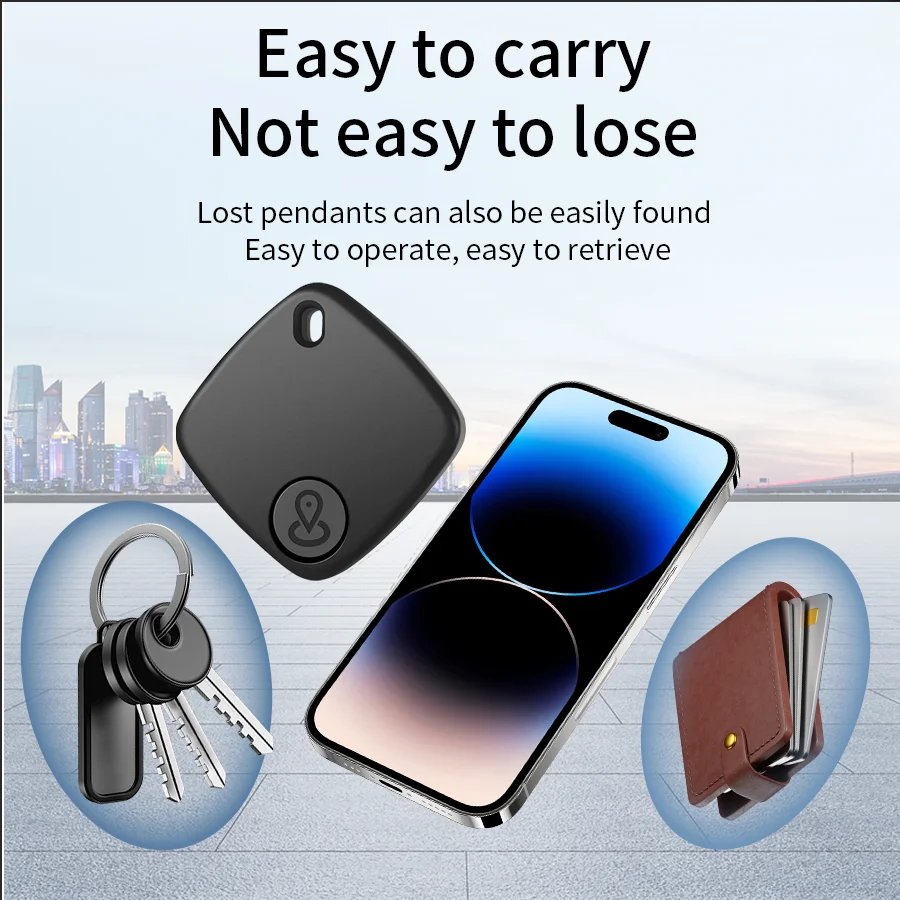
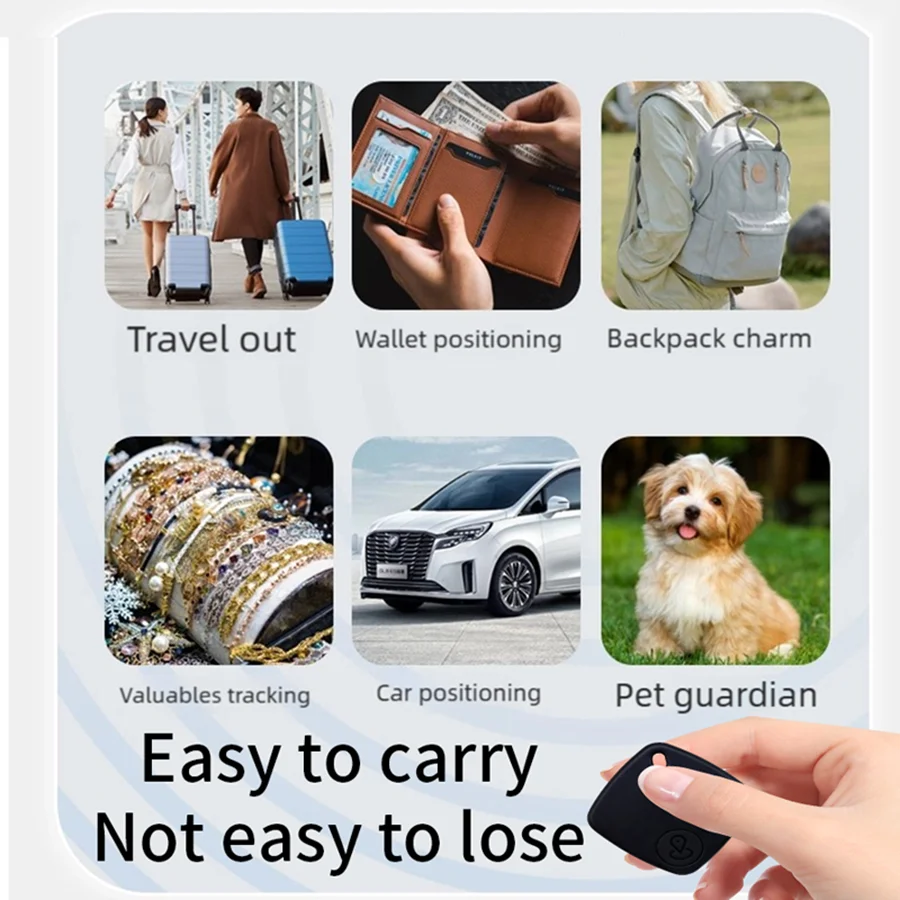
Mini Smart GPS Tracker Tag Bluetooth Locator Key Finder for iOS Android Google Find My Wallet Pet Kids Wireless Tracking Device
Save $6.00
Loading, please wait...


SPECIFICATIONS
Battery Included: Yes
Brand Name: ammtoo
Choice: yes
High-concerned chemical: None
Language: English
Origin: Mainland China
Features:
*Accessibility: Record lost location, Rename Item, Customize item icon.
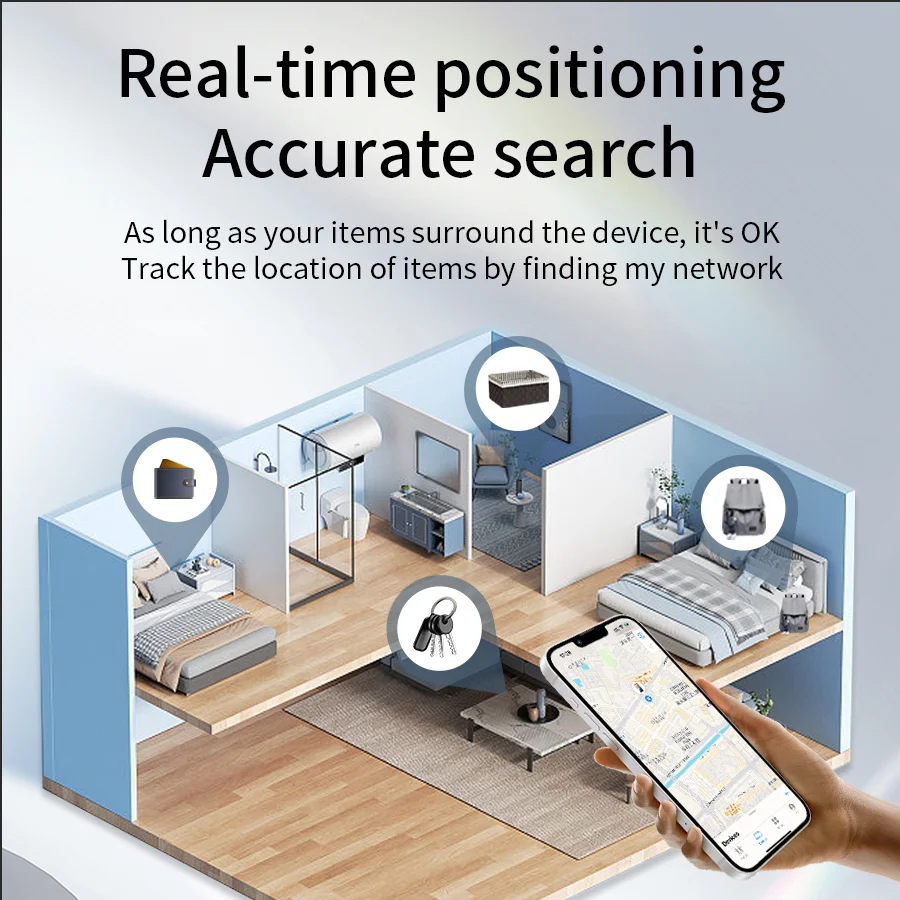
* Keep tracking and find your items alongside friends and devices in the Find My app
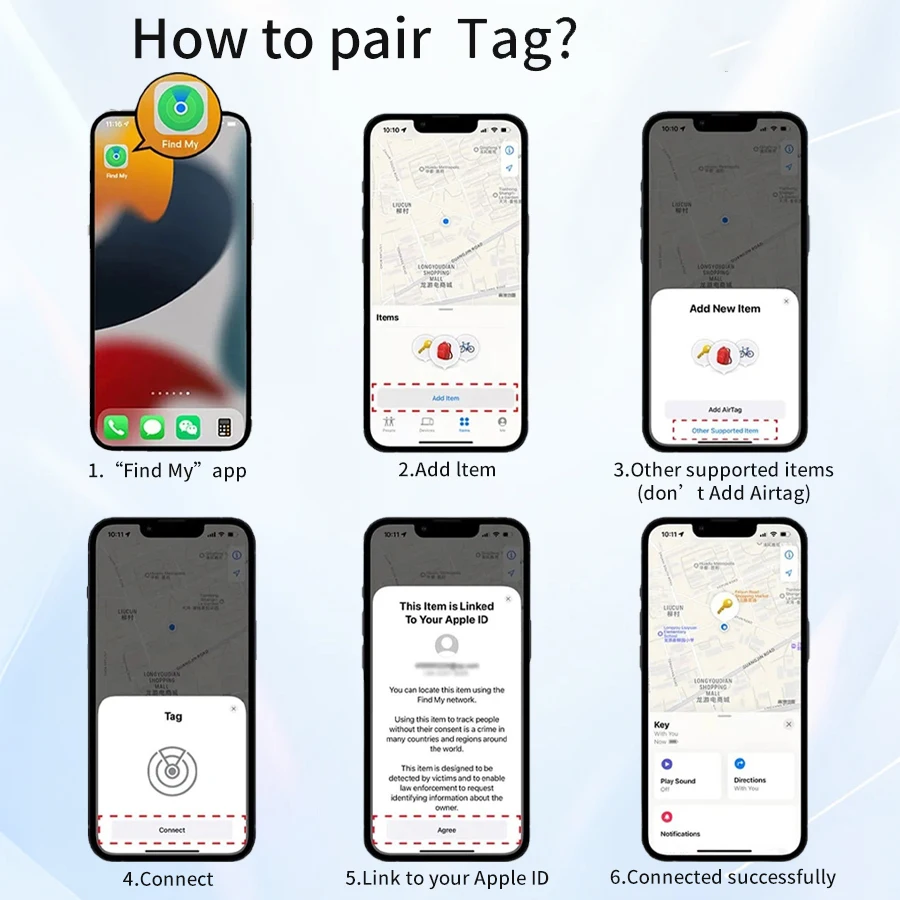
* Simple one-tap setup instantly connects Tag with your Phone or Pad.
* Play a sound on the built-in speaker to help find your things.
* Precision Finding locator leads you right to your nearby the tracking Tag.
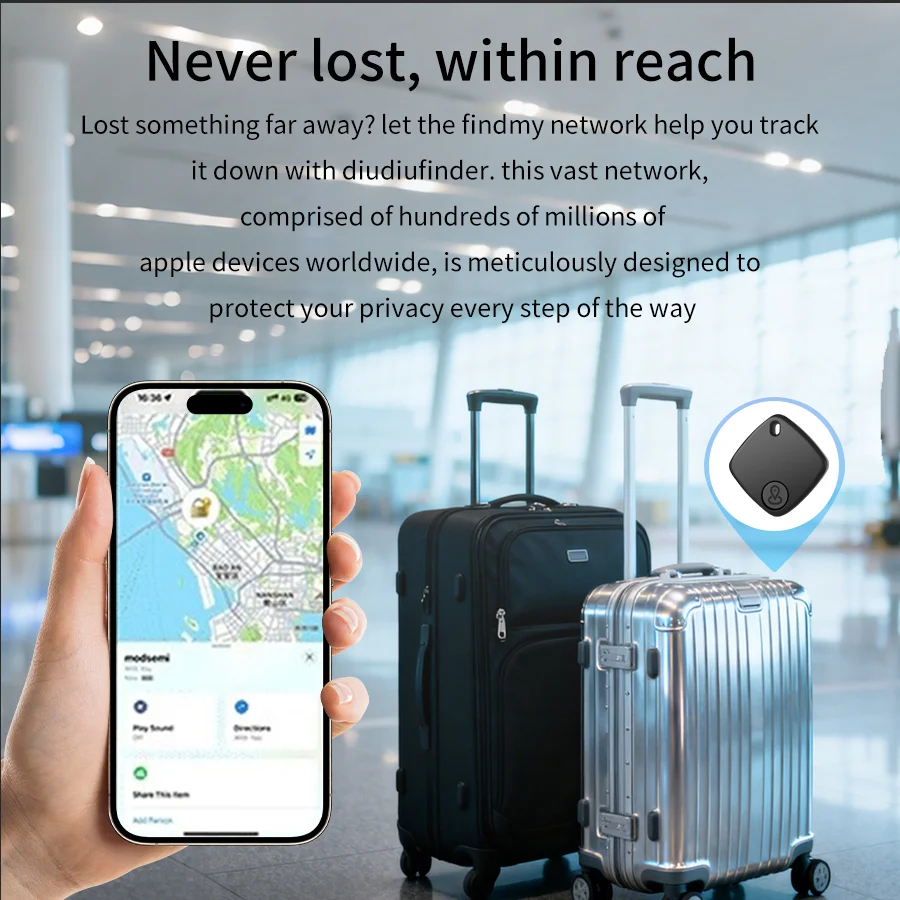
* Find items further away with the help of hundreds of millions in the Find My network.
* Put smart tag into Lost Mode to be automatically notified when it’s detected in the Find My network.
* All communication with the Find My network is anonymous and encrypted for privacy, Location data and history are never stored on Tag.
For Android:
This item only supports the Google "Find Hub" (also named as "Find my") app. Please make sure to download and install this app from the Google "Play Store" before use.
The device is compatible only with Android devices running Android 9 and above. This item does not support Huawei devices.
Once it is paired with a phone, it will be locked and cannot be paired with another phone, unless you remove it in app.
For IOS:
* Use APP: IOS Find My (IOS14.5 or later)
* Battery: Built-in battery(Replaceable)
* Wireless: Bluetooth 5.2
* Size: 35×35×7 mm/1.4×1.4×0.3 inch
Notice:
Please choose the system of your phone before place the order, iPhone or Android Phone, or both. And all of them are not compatible with Huawei. And please make sure that your WiFi or Network is good, turn on the Bluetooth of your phone when using.
Important tips:
Pairing may fail because of network problems. The following actions are recommended:
1. Change the phone's network, such as switching between WiFi and network.
2. Restore the device to factory Settings: After the device is powered on, press the button on the tracker four times and hold it for the fifth time. Then the device will play a tune and finish the factory reset. Release the button to complete the reset.
3. Pair with "Find My" or "Find Hub" app.